How to guides
Setup Profile
Learn how to setup your profile on ClassroomIO.
Go to ClassroomIO
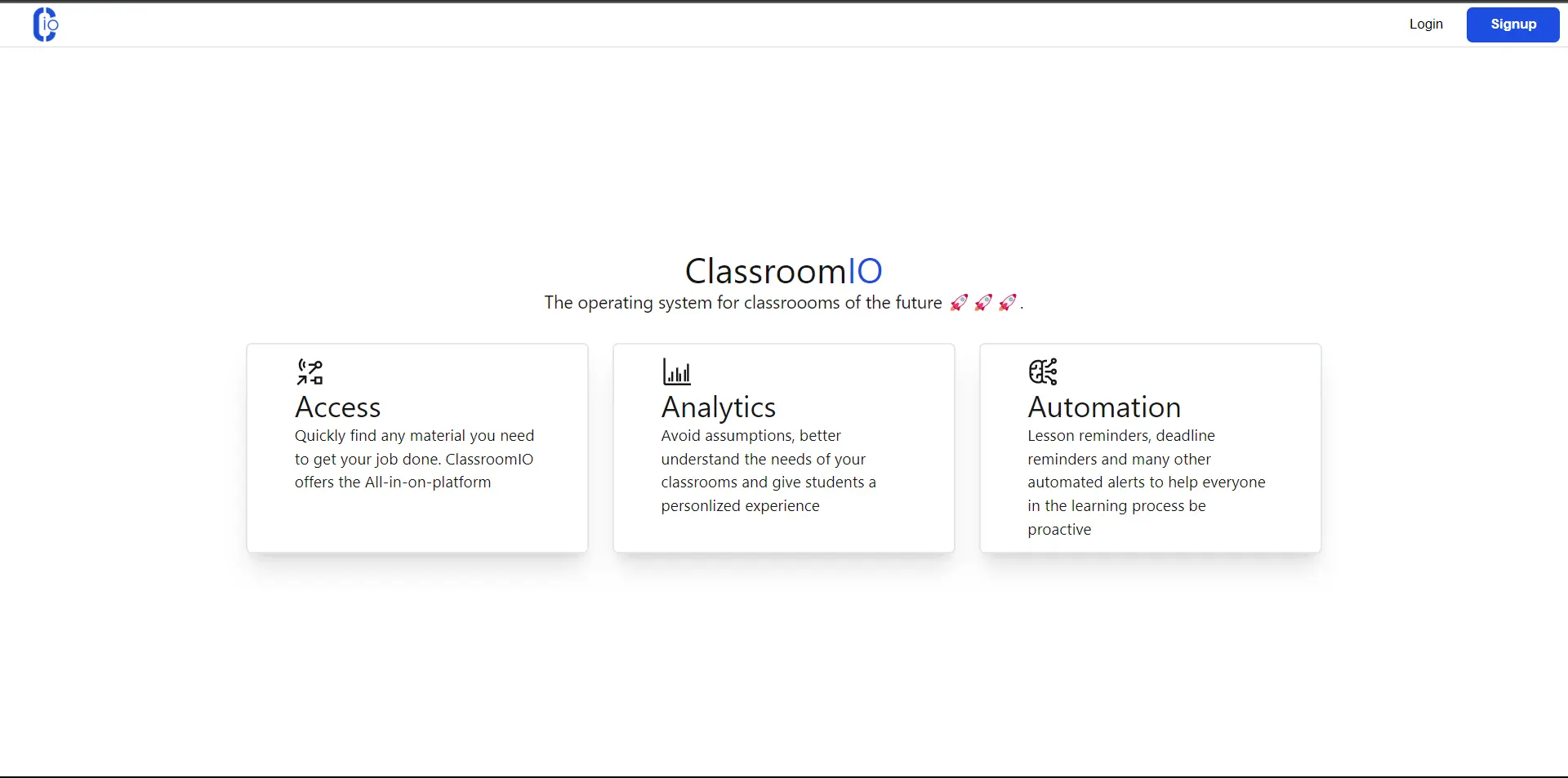
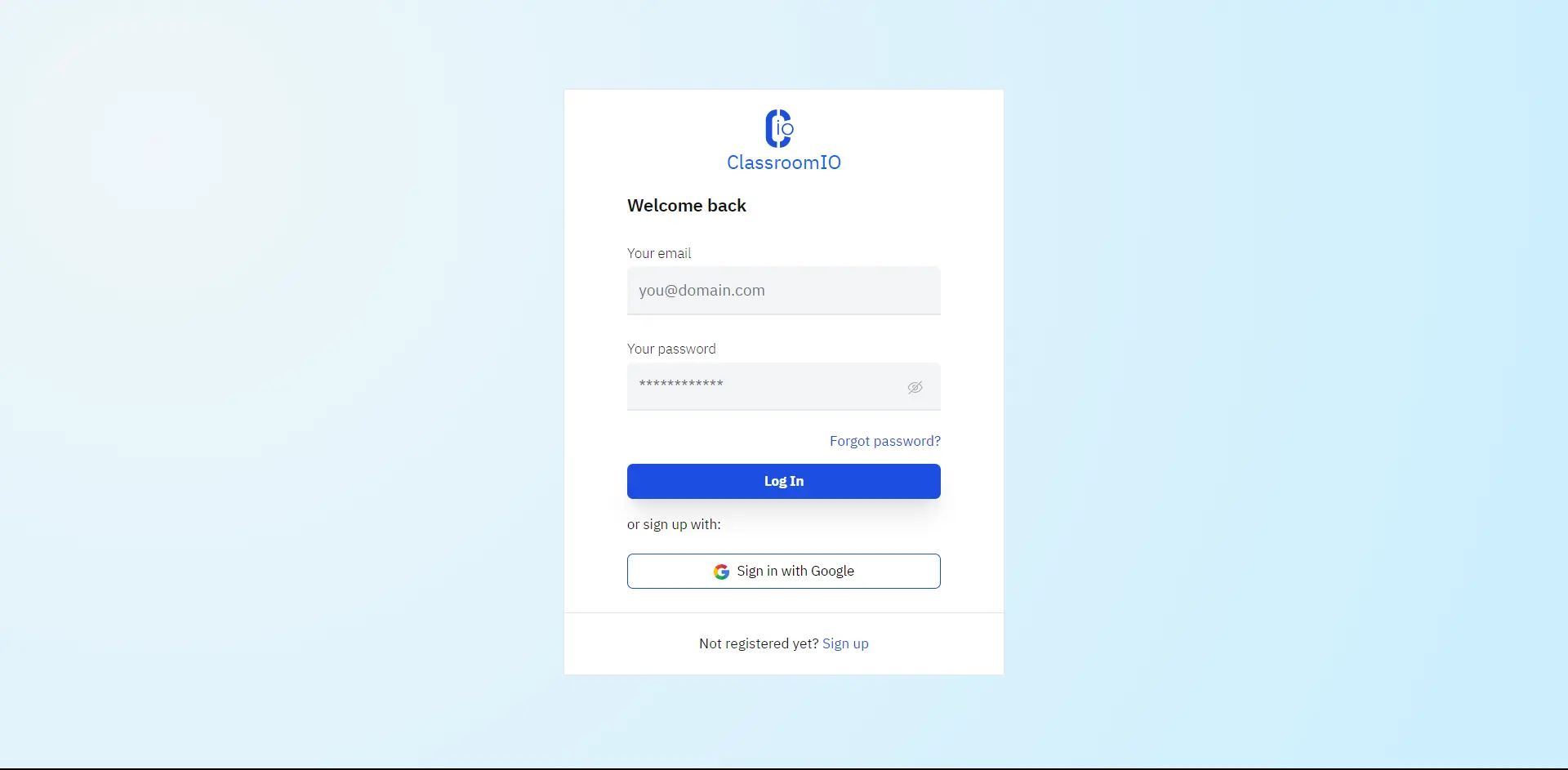
Go to app.classroomio.com. Click on the "Login" button on the top right to take you to the Login page.
Go to the Settings page
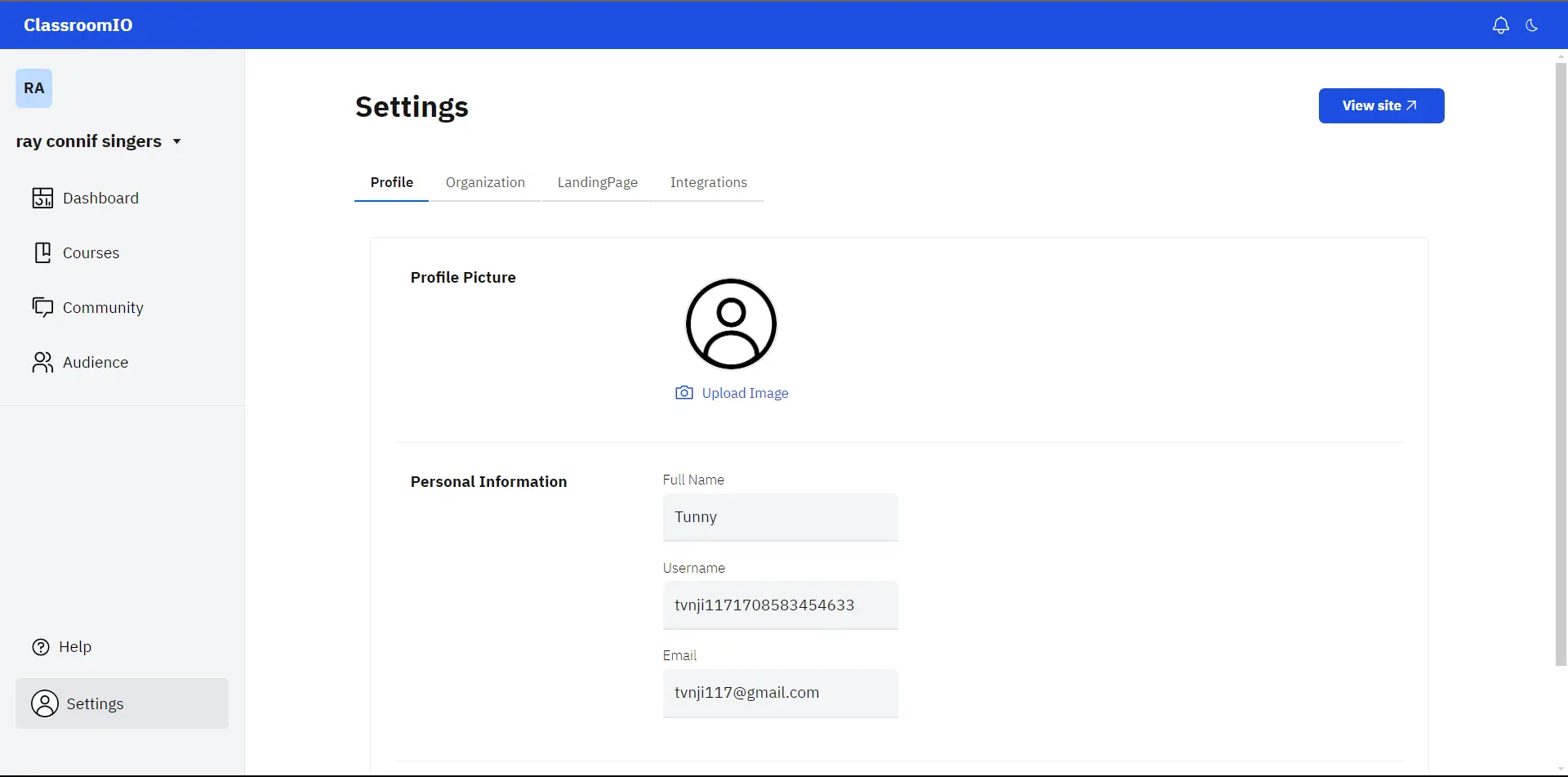
Click on the "Settings" button on the lower left corner on your dashboard page and you'll be routed to the profile page.
Make Changes
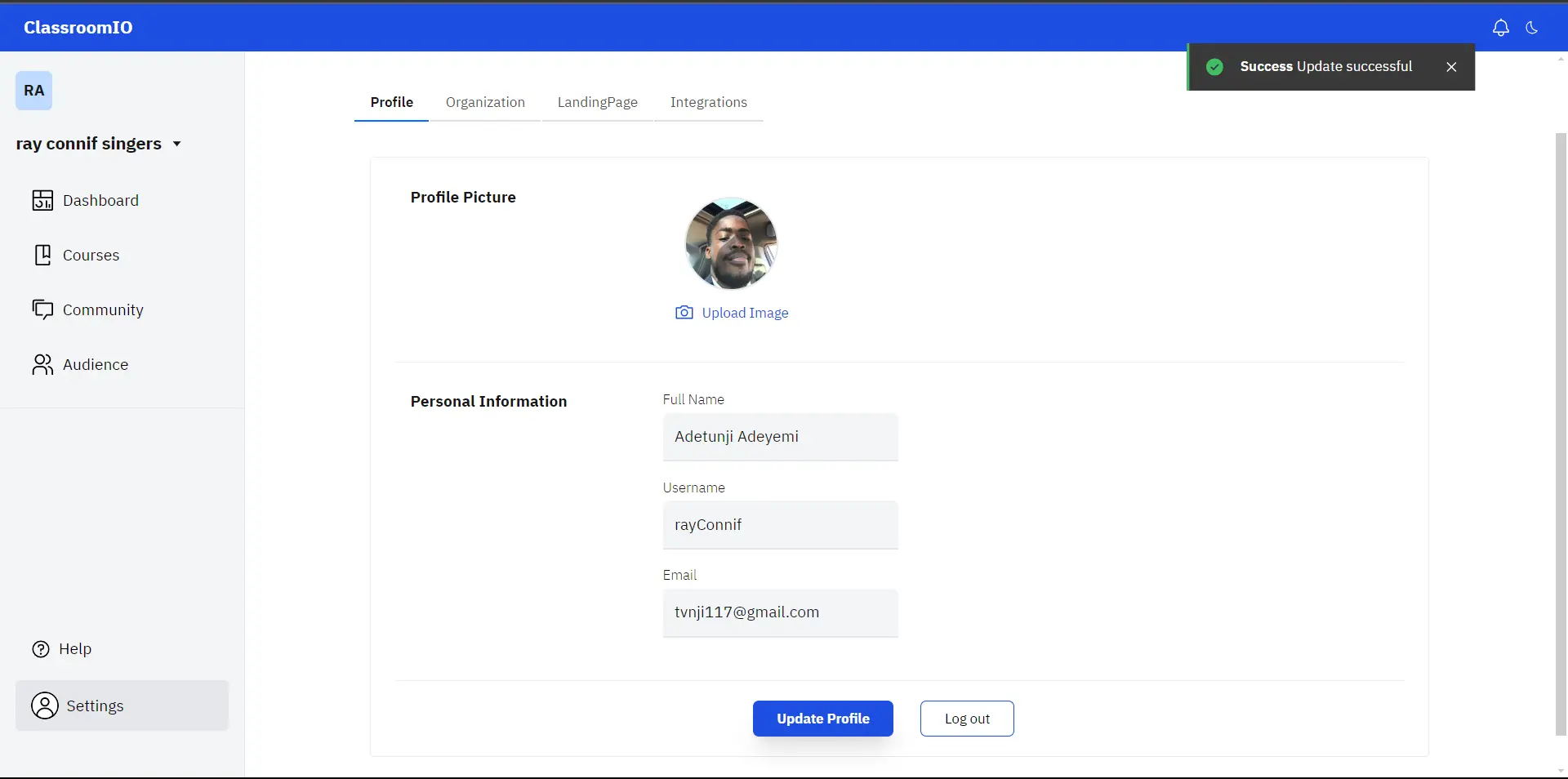
Upload a profile picture and edit any input field you want to then click "Update Profile".